OIDC
OIDC integration provides:
- Authentication using corporate identities through any spec-compliant OIDC issuer.
- Role-based authorization — every authenticated user is resolved to one of four built-in roles (or a custom role you define), which controls which UI surfaces and API endpoints they can use.
- Namespace-scoped data visibility — custom roles can be limited to a comma-separated list of Kubernetes namespaces; the hub injects a server-side filter so users only see traffic from their scope.
The role configuration (tap.auth.roles, tap.auth.rolesClaim, tap.auth.groupMapping, tap.auth.defaultRole) is shared with SAML — see the Roles & Permissions page for the full vocabulary. The SAML page covers the same role model applied against a SAML IdP.
Breaking change:
tap.auth.type=oidcroutes to the generic OIDC middleware. Earlier releases routedoidcto Descope. If you were usingoidcto mean Descope, switch totap.auth.type=descope(ordefault). Thedexlabel remains a permanent alias ofoidc.
Prerequisites
Bundled Dex vs external IdP. Kubeshark’s Helm chart can deploy a Dex instance inside the cluster — set
tap.auth.dexConfigin your chart values and the chart provisions Dex alongside the hub (see the helm chart README for the fulldexConfigschema). This is a convenience for clusters that don’t already have an IdP; the hub still speaks generic OIDC against it. If you already run Okta, Auth0, Keycloak, Azure AD, Google, or an external Dex, leavedexConfigunset and just pointtap.auth.oidc.issuerat your existing issuer.
If you’re integrating with Dex, add the following static client configuration to your Dex IdP’s config.yaml:
staticClients:
  - id: kubeshark
    secret: <create your own client password>
    name: Kubeshark
    redirectURIs:
      - https://<your-kubeshark-host>/api/oauth2/callback
Replace <your-kubeshark-host> with Kubeshark’s URL.
For other issuers (Okta, Auth0, Keycloak, Azure AD, Google), register an OIDC application with the same redirect URI. Make sure the application requests the groups scope (or whichever claim you set in rolesClaim below).
Kubeshark Configuration
# values.yaml

tap:
  auth:
    enabled: true
    type: oidc                       # canonical; `dex` is accepted as a permanent alias
    # JWT claim carrying the user's group / role memberships. `groups` is
    # the de-facto OIDC convention; some providers (e.g. Azure AD) emit a
    # single string when the user has one group — both shapes are accepted.
    rolesClaim: groups
    # Built-in role applied when an authenticated user has no group that
    # maps to a role. Set to "" for strict-deny (authenticated but no
    # capabilities). Default in the chart is `kubeshark-viewer`.
    defaultRole: kubeshark-viewer
    # Map SSO groups → role names. Names may reference one of the four
    # built-in roles (kubeshark-admin / kubeshark-realtime /
    # kubeshark-snapshot / kubeshark-viewer) or a custom role declared
    # under `roles` below.
    groupMapping:
      sso-engineering-leads: kubeshark-admin
      sso-sre-oncall: kubeshark-realtime
      sso-support: kubeshark-viewer
      payments-team: payments-viewer    # custom role, see `roles` below
    # Custom (operator-defined) roles. Each role declares its capability
    # set + namespace scope. Names starting with `kubeshark-` are
    # reserved for built-ins and will be rejected at hub startup.
    roles:
      payments-viewer:
        capabilities:
          - snapshot:read
        namespaces: "payments,checkout"
    oidc:
      issuer: <insert OIDC issuer URL here>
      clientId: kubeshark
      clientSecret: <your client password>
      refreshTokenLifetime: "3960h"      # 165 days
      oauth2StateParamExpiry: "10m"
      bypassSslCaCheck: false
Notes
- Set
tap.auth.oidc.bypassSslCaCheck: trueto allow the hub to communicate with an issuer presenting an unknown SSL Certificate Authority. This prevents errors liketls: failed to verify certificate: x509: certificate signed by unknown authority. Do not use in production unless you understand the trust implications.- Unknown capability strings under a custom role are dropped with a warning at hub startup (visible in
kubectl logs). The capability vocabulary is closed — see Roles & Permissions.- Custom role names MUST appear in
groupMappingto participate in resolution. Identity-match (SSO group name === role name) only works for the four built-inkubeshark-*names.tap.auth.type: oidc(ordex) with noissuerfails the Helm render rather than installing a Hub that authenticates nobody.
After configuring the values file, install Kubeshark:
helm install kubeshark kubeshark/kubeshark -f ./values.yamlTry Your OIDC-Enabled Kubeshark
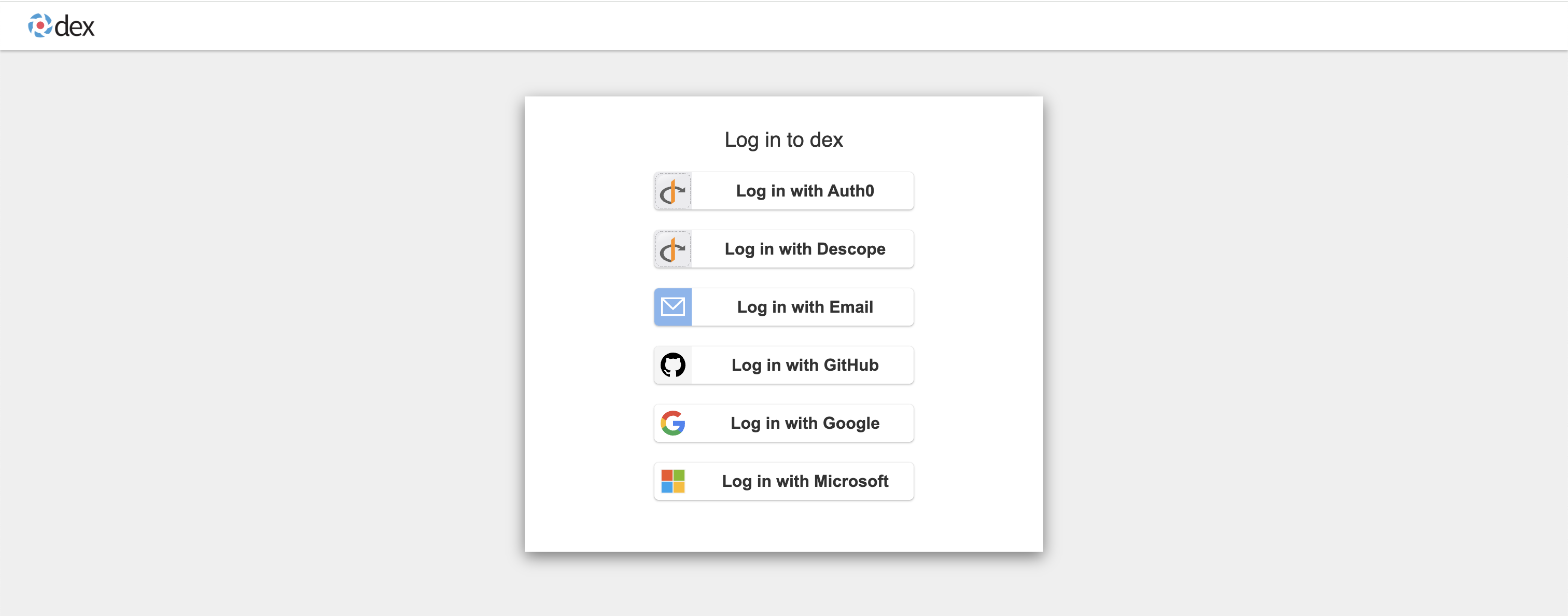
Once OIDC is enabled you’ll be redirected to your IdP’s login page. The screenshots below show Dex; Okta / Auth0 / Keycloak follow the same flow.
Example: Dex IdP Login Page
-
Choose a login option. Your upstream IdP (Google, Microsoft, etc.) will guide you through authentication.
-
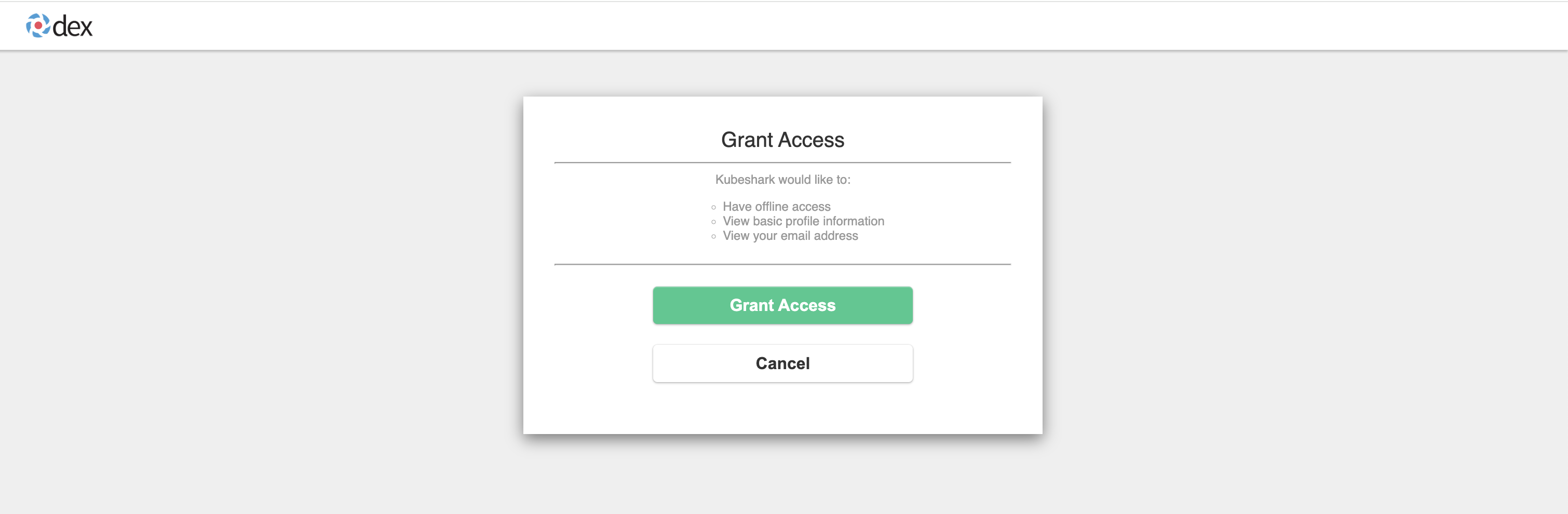
Grant Kubeshark access to your user information when prompted:
-
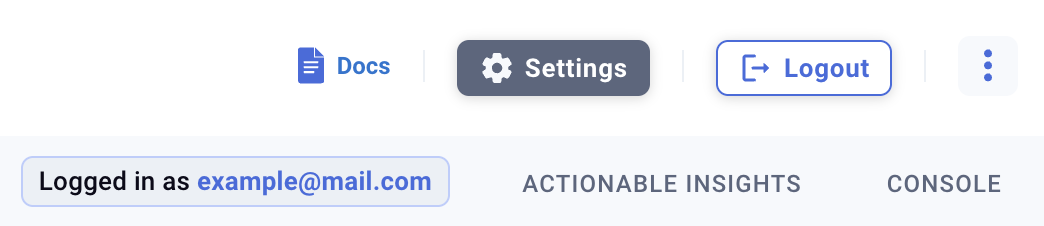
You’re logged in. Your email appears in the top-right of the dashboard:
-
You’re authorized. Use Kubeshark as usual.
IdP Group / Claim Configuration
Kubeshark reads role memberships from the JWT claim named in tap.auth.rolesClaim (default groups). Configure your IdP to emit the user’s group / role memberships in that claim:
- Dex — propagates upstream group membership through the configured connector. Some connectors (LDAP, GitHub) require explicit
groupsconfiguration; check Dex docs for your connector. - Okta — add a groups claim to the OIDC app, scope the filter (e.g.
Starts with: kubeshark-orStarts with: sso-) to keep unrelated groups out of the token. - Auth0 — add a Rule or Action that sets
idToken['groups'] = user.groups. - Keycloak — enable the “Groups” mapper on the client.
- Azure AD — emits group object IDs by default; configure the app registration to emit group display names if you want human-readable role keys.
Role Resolution
When a user signs in, the hub walks the claim values in this order:
- For each value, check
groupMapping. If present, the mapped role becomes a candidate. - Otherwise, if the value identity-matches a built-in role name (
kubeshark-admin,kubeshark-realtime,kubeshark-snapshot,kubeshark-viewer), it becomes a candidate. - Anything else is silently dropped.
- The highest-precedence built-in candidate wins (
admin > realtime > snapshot > viewer). Built-in roles always rank above custom roles when both match. - If no candidates remain,
defaultRoleis applied. IfdefaultRoleis empty, the user is authenticated but has no capabilities (strict-deny).
See Roles & Permissions for the full algorithm, capability vocabulary, and namespace-scope semantics.
Verifying the active role with /whoami
GET /whoami returns the authenticated user’s identity, resolved role, effective capabilities, and any authzFilters derived from the role’s namespace scope. Useful for diagnosing access issues — the response shows exactly which role was resolved and which capabilities are active.
The same data is surfaced in the dashboard as the Identity & Access modal — click your name in the top-right to open it. The modal shows the authenticated identity, the resolved role, the capability list, and the namespace scope, so users can self-diagnose access without curl-ing /whoami directly.