Settings
The Settings panel provides access to dashboard configuration and Kubeshark operational controls.
Targeted Pods
View and modify the pods being captured by Capture Filters. The targeted pod list shows all pods currently matched by the filter rules.

The list updates in real-time as pods start and stop. Only traffic from targeted pods is captured and available for viewing.
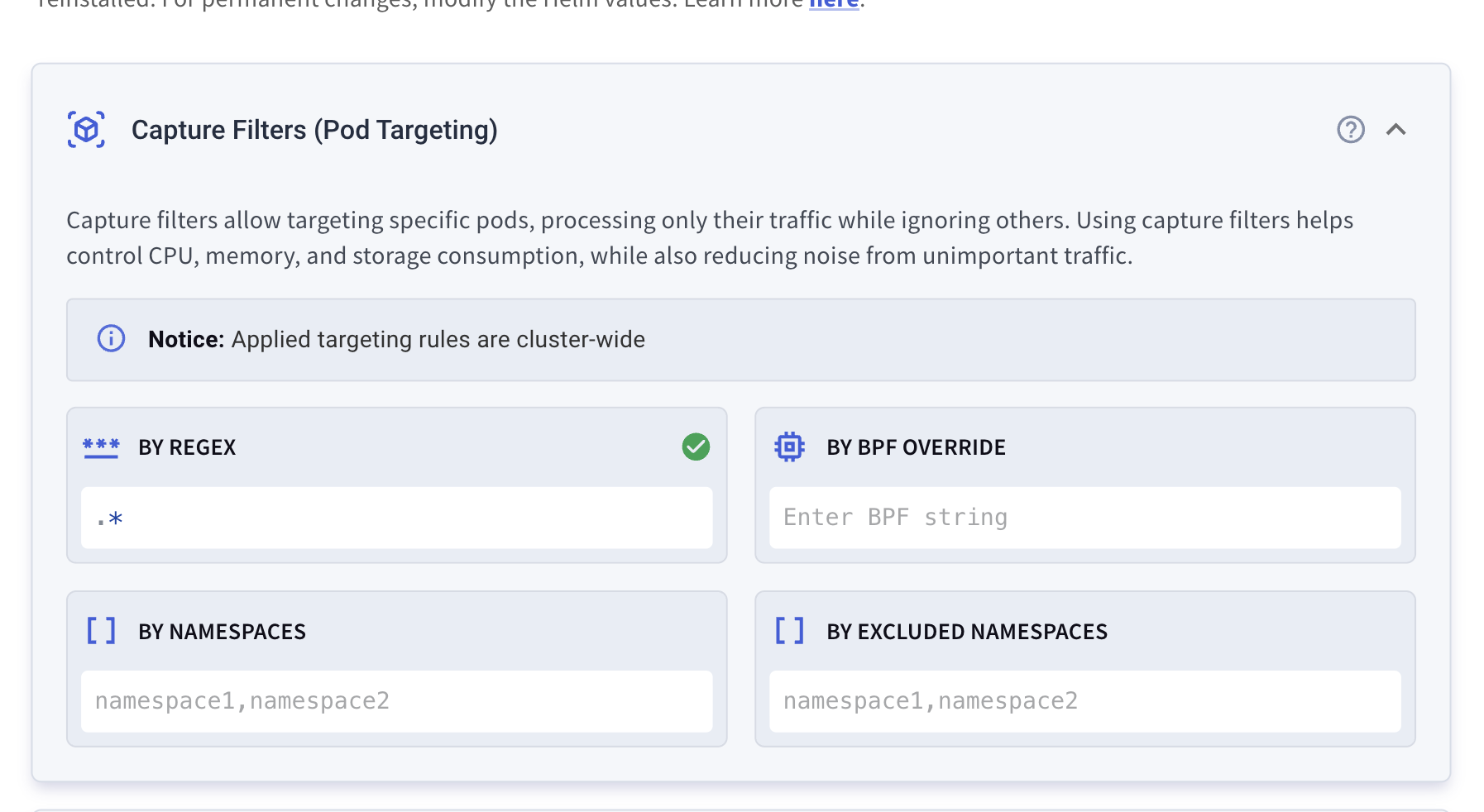
Modifying Capture Filters
From the Settings panel, you can adjust:
| Filter | Description |
|---|---|
| Pod regex | Pattern matching pod names |
| Namespaces | Include specific namespaces |
| Excluded namespaces | Exclude specific namespaces |
| BPF override | Explicit BPF expression |
Note: Changes made via the Settings panel are temporary and apply only until Kubeshark is restarted. For persistent configuration, use Helm values.
Note: Capture filters differ from Display Filters. Capture filters control what traffic is captured; display filters control what is shown in your browser tab.
What’s Next
- Capture Filters — Detailed filter configuration
- Enabling / Disabling Indexing — Indexing control options
- Helm Configuration — Full configuration reference