Cluster-wide PCAP Export
This feature is part of Kubeshark V2.00, scheduled to release in early 2026.
An alternative to deploying tcpdump, copying files, and manually opening them in Wireshark. Kubeshark can be set to continuously capture and retain all raw TCP/UDP packets, including decrypted TLS traffic, alongside relevant Kubernetes and Linux OS events. Users can download a cluster-wide PCAP file on demand for any selected past time window and open it directly in Wireshark.
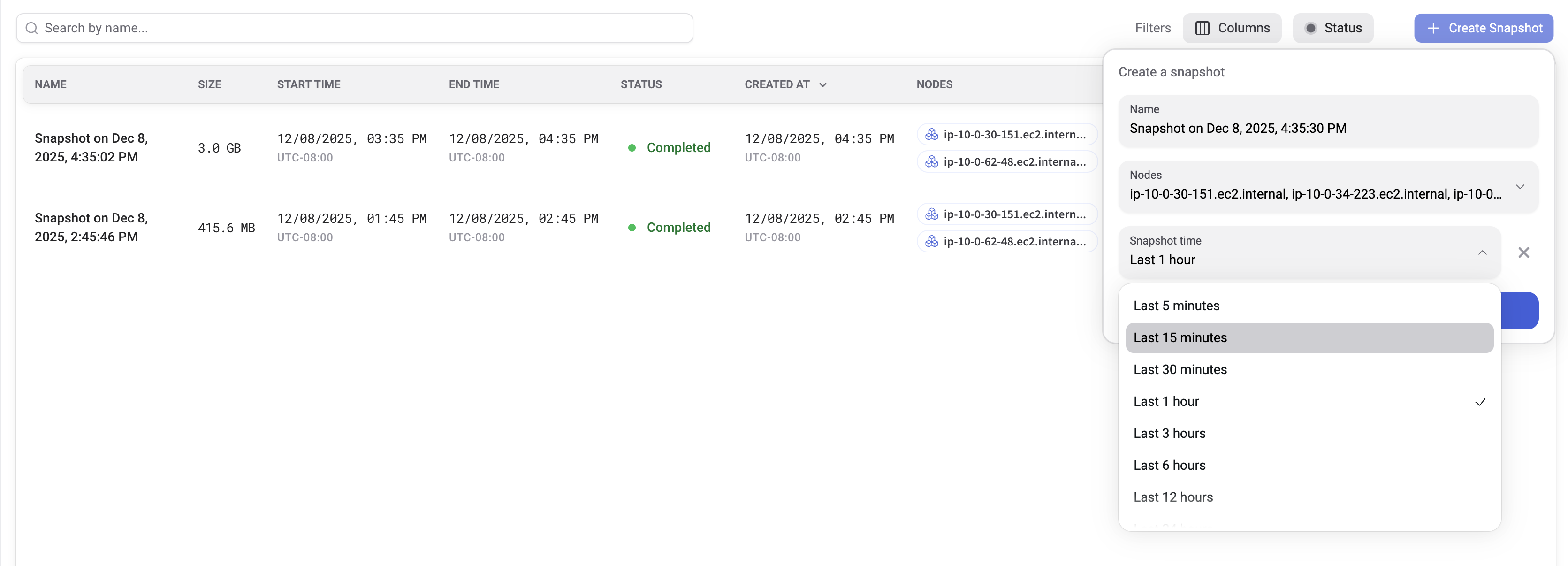
- Go to the Snapshots tab
- Create a new snapshot
- Optionally select the nodes (default: all nodes)
- Optionally select the time frame (default: last one hour)
- Press Create
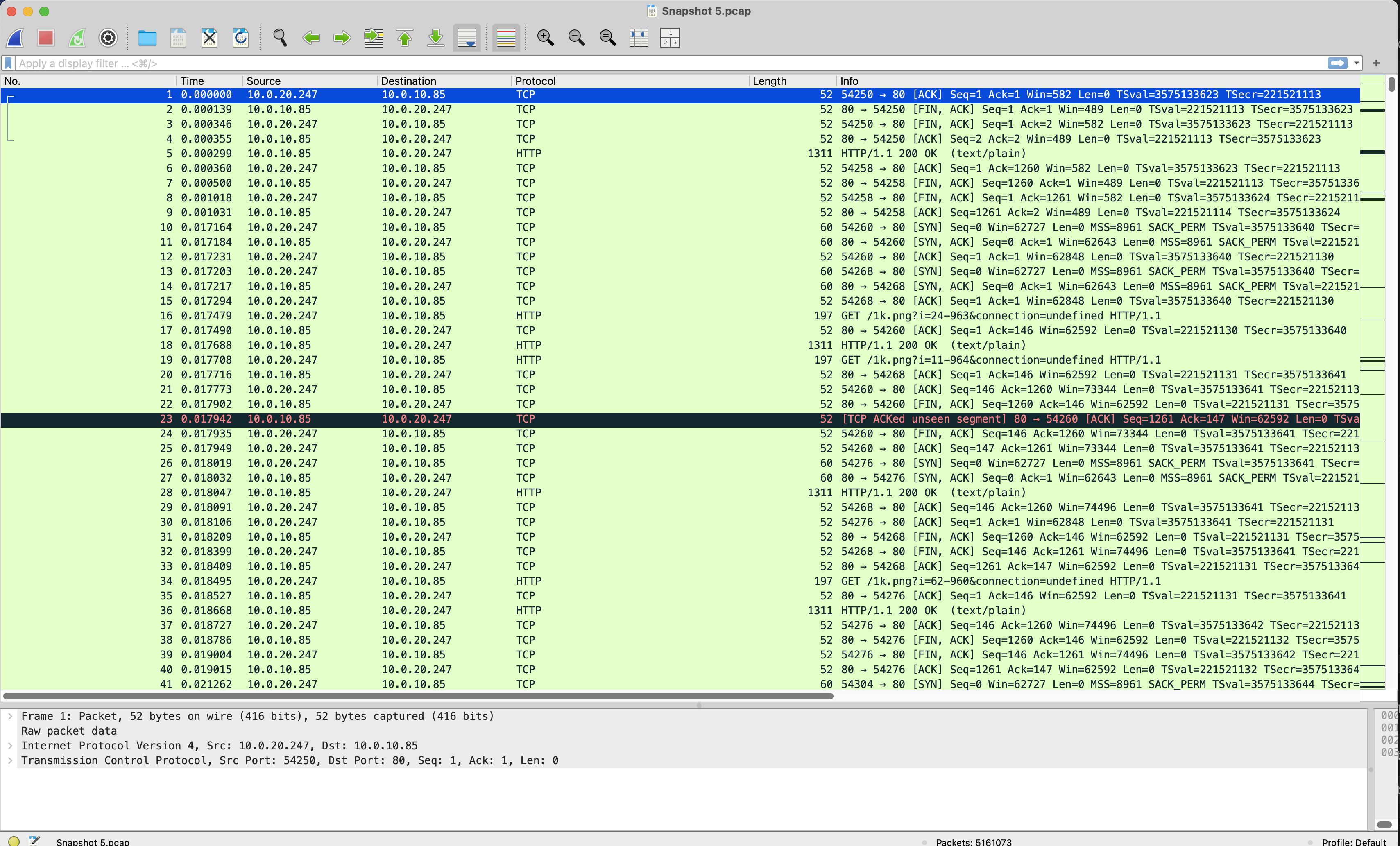
Once the snapshot is ready, click the PCAP file to export its contents and open it in Wireshark.
Configuration
Here’s an example Helm chart segment with the relevant configuration values:
tap:
  storageLimit: 50Gi        # Ensure `tap.capture.raw.storageSize` is less than this value
  capture:
    raw:
      enabled: true         # Enable or disable raw capture
      storageSize: 10Gi     # Node-level FIFO buffer size; must be smaller than `tap.storageLimit`
  snapshots:
    storageClass: gp2       # PVC storage class (e.g., gp2 for EKS) – highly recommended
    storageSize: 1000Gi     # Storage size allocated for the snapshots folder
Backend Capture Rules
Use the following Helm chart segment to include or exclude specific workloads. If no rules are defined, Kubeshark captures all TCP and UDP traffic.
tap:
  regex: .*
  namespaces: []
  excludedNamespaces: []
Read more about Capture Filters
Recommended Usage
- Enable raw capture by default
- Use a PVC with ample storage
- Allocate significant storage limits, especially for the snapshots folder (e.g., 1TB–2TB)
- Apply backend capture rules to target specific workloads and reduce noise